Hacking Chinese Toy Drone(A17)
Reverse-engineering a ₹2,000 Wi-Fi toy drone to understand its firmware, protocols, and limits.

I am curious kid on the web, trying to learn more about life and other things. I enjoy building things and my medium of expression is mostly code. I have been dabbling with OpenEdx recently. I love to talk about distributed system, I have taken up learning Rust recently and been writing Python, Golang and JavaScript for a while.
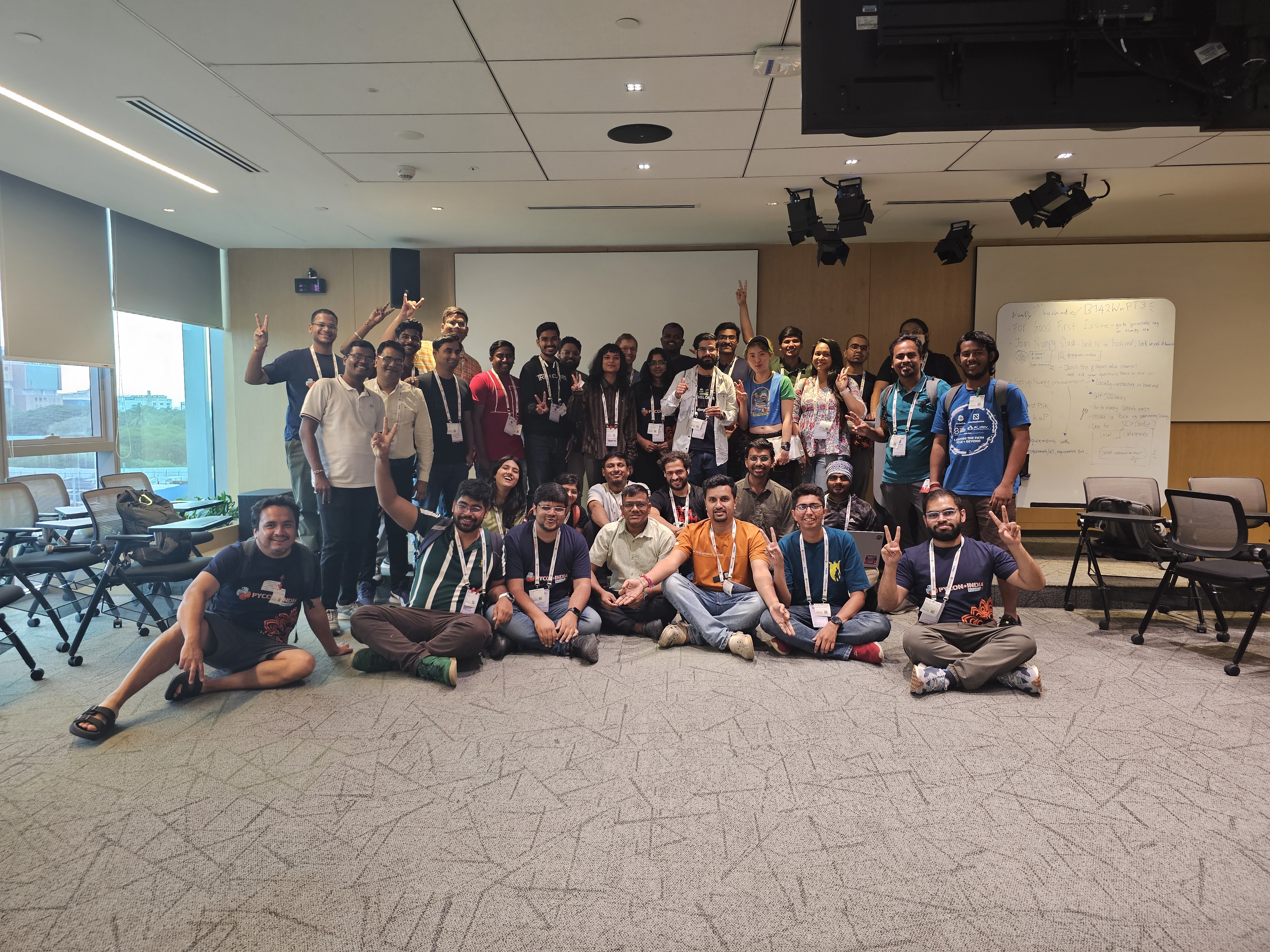
During our time at SHD India 2025 we were about to teach the hackers/kids to fly drones. Jithin sourced about 20 drones, and we were really excited to not only fly them but to see how they would perform. These drones were not very expensive compared to the industrial-quality drones we have. These were Toy-Drones, and given that kids were going to fly these, they had to be durable, and we needed to prepare ourselves to loose few of them during the process. I was very excited to get my hands on these incredible machines, and that excitement peaked when Jithin asked Saptak and me to hack on these drones in SHD.
He wanted us to control the drones programmatically. Once we do that and reverse engineer the connection and commands, it opens up an array of possibilities. We could swarm up the drones and make them do tricks, we can improve the object avoidance, and we can build gesture control and object tracking.

This led us to our 3-day streak of taking the stab at controlling this drone with a Python program. First things first, we searched the internet to see if someone had done something like this before. To our surprise, the answer was “YES“ :P And a bunch of people have blogged about it, too. But unfortunately, no one has done this for this specific model. TJ had this amazing blog that gave us hope of achieving this feat.
The first thing we saw was that this model has an Android app that is used to get the camera stream, and fortunately, it can also be used to control the drone. Why, fortunately, you may ask? The answer is simple if it can be controlled through a mobile device, which insinuates that there is some kind of digital signal that is being passed to the drones, and in a lot of cases, these are network calls. This gets us to the possibility that we can somehow tap in with an MITM attack and see what is being sent to the drone from the phone. Since this was my Android phone and we wanted to sniff the packets that this phone is sending to the drone, we tried finding a Wireshark equivalent for Android Phones and we landed up on PCAPdroid, which helped us to capture the packets that are being sent to the drone.
The understanding we had till now was that there is a WIFI module in the drone, which creates an open hotspot that can be used to connect the phone to and then using the KY UFO app, the signal gets relayed to the WIFI module, which then gets translated to the instructions set for the drone.
This understanding helped us to get a clear idea of what is going on; we had to dig deeper to see how this is happening and how we use this flow to achieve a programmable drone. When we tried capturing packets using PCAPdroid, we could see a stream of packets not just from KY UFO application but from the plethora of applications that I have on my phone. PCAPdroid has a way to target a particular application. We changed our settings to tap into the packets that are being sent by KY UFO, and we found out that my phone was being too chatty with the drone. The number of packets was way too high; we got a dump of packets.

We got something that we were interested in the Destination IP and port, we observed that there were two IP addresses and two different port as well. One of them is used to receive commands for the drone and the other one streams the video from the camera. Now we wanted to find out which one is doing what function. One approach that we took was to reverse engineer the android app itself, we used jadx to deobfusicate the APK, but it failed since we were not able to get the right APK file for the application. Now we had to find another way to figure out how to find out the same information. We can’t install install wireshark on the android phone but ….. we can install the KY UFO app on the android emulator and then we can capture the packets that are being sent by the application from the laptop to the drone. One of the biggest challenge was to download the emulator on SHD’s wifi connection, it took some time for me to download the emulator as well as the related packages. Once that was done there was an issue to connect the emulator to the internet or the WIFI module of the drone. We figured this out late and night and the drone flew for the first time from the laptop and we could gather the packets very easily. The setup helped us out very much since we can see the application and the packets it is emitting side by side.

In this setup we have wireshark on one side and the android application on other, this enabled us to observe the packets and sniff them. We were able to see these packets and were able to observe the bytes that the application was sending. But ….. the applications was too chatty it was sending so many packtes that we were not able to find out the packets that were actually doing the actions. Wireshark came to our rescue, Saptak figured out that we can filter the packets with the value that we are getting.
Till now we had figured out that it’s sending 21 bytes of the form
03:66:14:80:80:80:80:01:02:00:00:00:00:00:00:00:00:00:00:03:99
We figured out the the header remain constant : 03:66
Footer also remain constant: :99
Padding is about 10 bytes, the zeros you see in the middle this is to future proof the protocol.
Now we had to figure out the rest we still don’t know how to move up, down, left and right. We don’t know how to turn(i.e yaw) and there is a bunch of features like headless mode, one touch take-off. We spend the night thinking about it and then Saptak applied the filter where we plan to sniff all the packets which do not have this data. So our query in Wireshark was:
(data.data != 03:66:14:80:80:80:80:00:02:00:00:00:00:00:00:00:00:00:00:03:99)
And voila! The doors opened, we were able to see a lot of changed packets, a bit more sniffing and we found the data for one-touch take off was 03:66:14:80:80:80:80:01:02:00:00:00:00:00:00:00:00:00:00:03:99
When trying to create a UDP connection over the Destination IP on port and send the bytes, nothing happened and then we saw the data packets and they were being sent in a cluster of 10 packets with some delay.
    def one_touch(self):
        # 03:66:14:80:80:80:80:01:02:00:00:00:00:00:00:00:00:00:00:03:99
        self.reset()
        self.basebytes[6] = 1
        self.basebytes[-2] = 3
        print("taking off")
        print(self.basebytes)
        for i in range(10):
            self.send_udp_command(bytes(bytearray(b'\x03') + self.basebytes))
            time.sleep(0.01)
        self.reset()
There it was, our sweet sweet “Eureka!“ moment, the drone flapped it’s wing and we screamed “It’s alive“!

Now it was flying, but we didn’t write code for it to land, so we had to turn it upside down to switch it off but this amount of time and effort was fruitful since we got it to fly. Then after this, we have to figure out direction, left, right, forward and backward.

We managed to do this cleverly, we already had the Emulator+Wireshark setup so for each of the movement we capture and saved the packet file. We had one for up, one for down, one for left and one for right. We filtered out packets for each of these directions and were able to code it through. The funny part is for each of these we had to do manual testing, like literally going in the field, we crashed the drones so many times that we stopped feeling bad about it. Finally, we got it to a point that with one drone we were able to program a flying pattern.
    def pattern(self):
        print("Pattern executing...")
        #go forward
        self.go_forward()
        time.sleep(1)
        self.go_back()
        time.sleep(1)
        self.go_left()
        time.sleep(1)
        self.go_right()
And this looks something like
We had a lot of fun hacking on this and we learnt a lot of things while doing this hack about protocols We have a work in progress code at this fork. We will be cleaning this a lot and put up the wireshark export file for anyone to have a look at. We do have a bunch of issues with the code and it’s not perfect yet, we faced a bunch of issues:
Left yaw was not working as expected
We struggled to fix acceleration
It drastically gains a lot of height when we toggle the byte
After coming back form SHD I was able to reverse engineer the android app in JadX and I got some really beautiful insights.

I am not able to figure out exactly what byte does what and the range it can take, I was also able to figure out the headless mode switch, hence will be making those changes next. Feel free to ping me to talk more about this and leave a comment. Till then Happy Hacking!